
Cursor PRD Crash Course

1/ Set up .cursorrules & Rules for AI
Cursor first listens to the .cursorrules and its system prompt.
They are the first docs cursor will go to for context.
So before drafting your PRD folder you need to get these ready.
For cursorrules file you could take one from cursor(.)directory
2/ Brainstorm with Claude/o1
Make sure you always discuss your project idea with your favorite LLM.
From database design to ICP, anything you are not quite sure about discuss with the claude/01.
3/ Key Components of a Cursor PRD
After you have enough clarity about your idea, you would want to generate the following
files for your PRD:
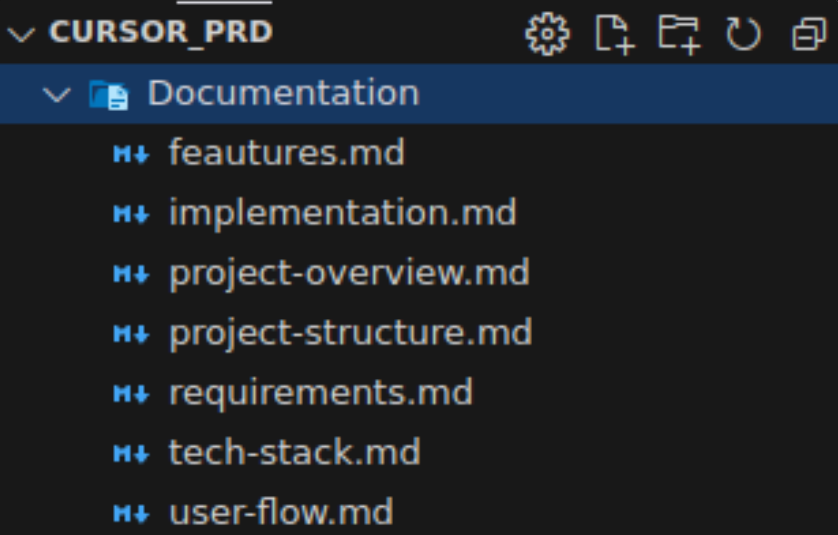
4/ feautures .md file
This flle dives deeper into individual features, describing exactly how each one should work, including edge cases and any specific business rules or validation requirements.
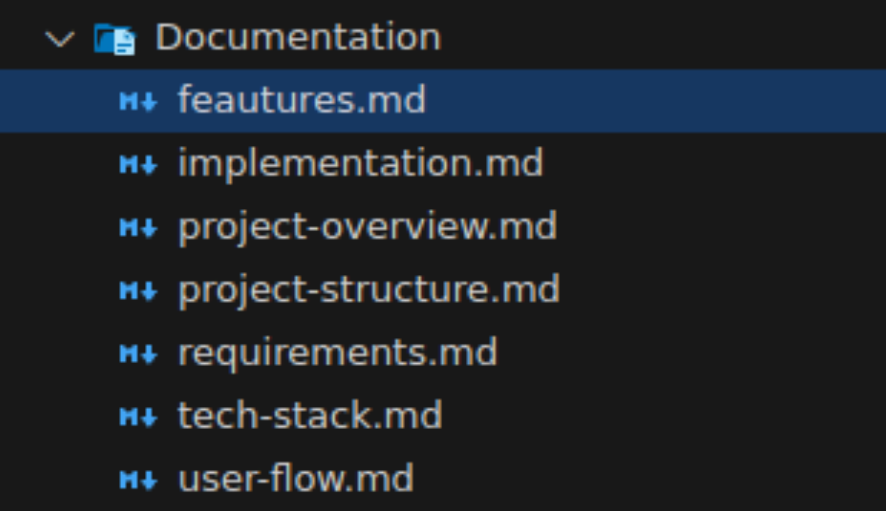
5/ implementation. md
The implementation covers how you'll build the project - your development approach, coding standards, timeline estimates, and any specific technical guidelines the team should follow.
You could also include framework specifics, development preferences(e.g follow atomic design principles for components) & database design files in there.
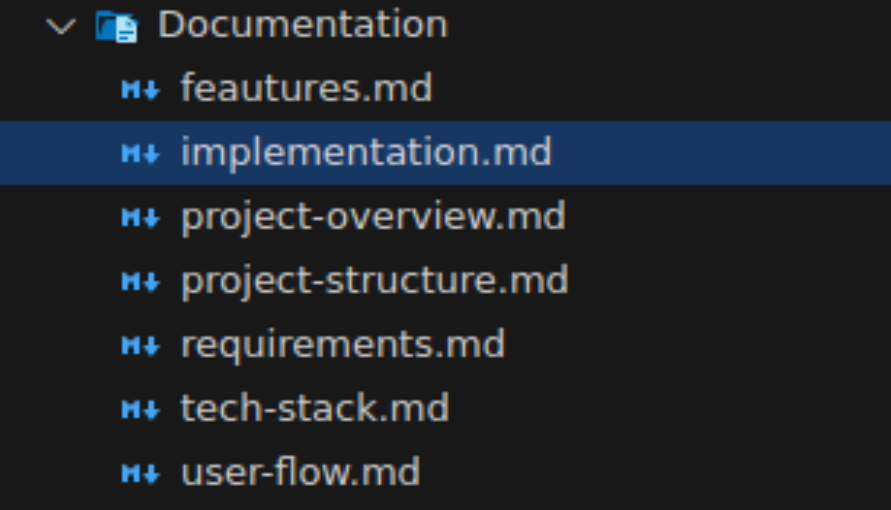
6/ project-overview .md
The project-overview file should contain the core vision statement, main goals, and a high-level explanation of what your project aims to solve.
Think of it as the "north star" that guides all other decisions.
It is probably the most important file in your PRD
Cursor derives a lot context from this file to understand the project scope.
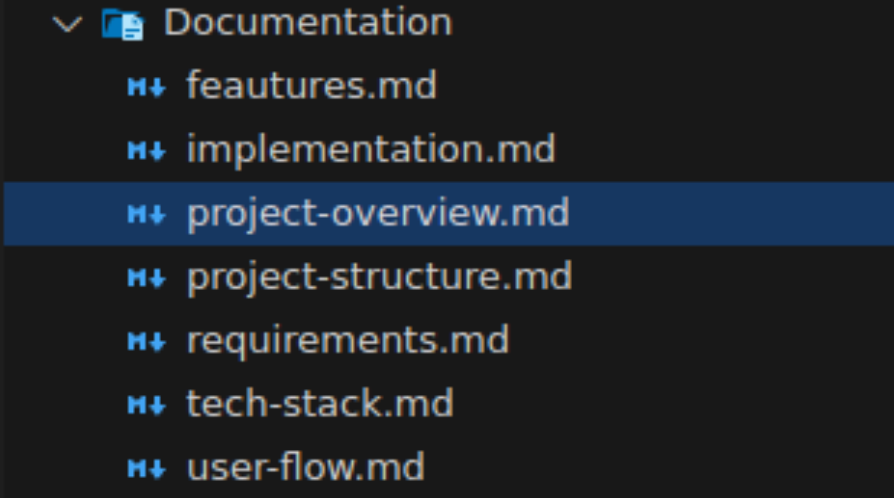
7/ project-structure .md
Self-explanatory.
Depending on your tech stack this file gives an outline of how files are connected and structured within your project (e.g monorepo vs polyrepo)
8/ requirements .md
This file breaks down both what the system needs to do and how it needs to perform (technical requirements like ("page load under 3 seconds").
You can think of it as a helper file for your features.
9/ tech-stack .md
Your tech stack file justifies your tech choices, explaining why you selected specific tools, frameworks, or languages for different parts of the project and how they work together.
Frontend, Backend, Version Control, Deployment, Infra, Database, ORMs, UI & Styling, API Integrations, Monitoring & Error Tracking, Auth
These are all example you could put inside the tech-stack file
10/ user-flow .md
Very crucial file. Do not skip it.
This doc maps out the complete journey of both users and data through your system from start to finish.
Think of it as a detailed roadmap showing every step and interaction in the application.
Without this file, cursor won't have enough context and will start doing it in its own way.
11/ BONUS
Create a separate file where you track the progress of your project.
Each time you use the cursor agent and you make any changes, ask him to document his work in a project-timeline .md file (or name it however you want).
Comments ()